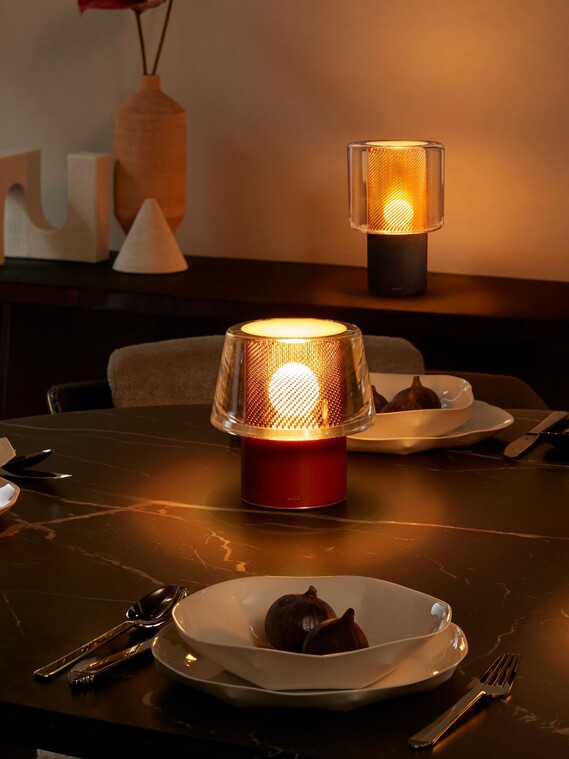
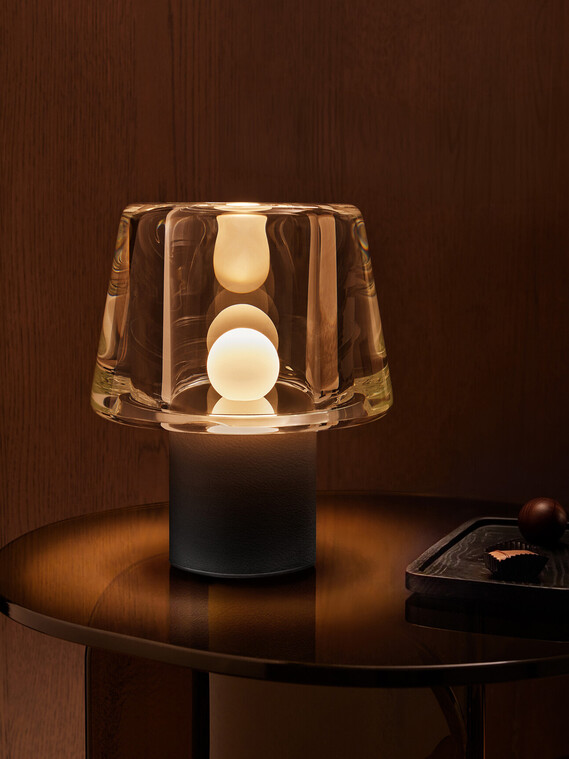
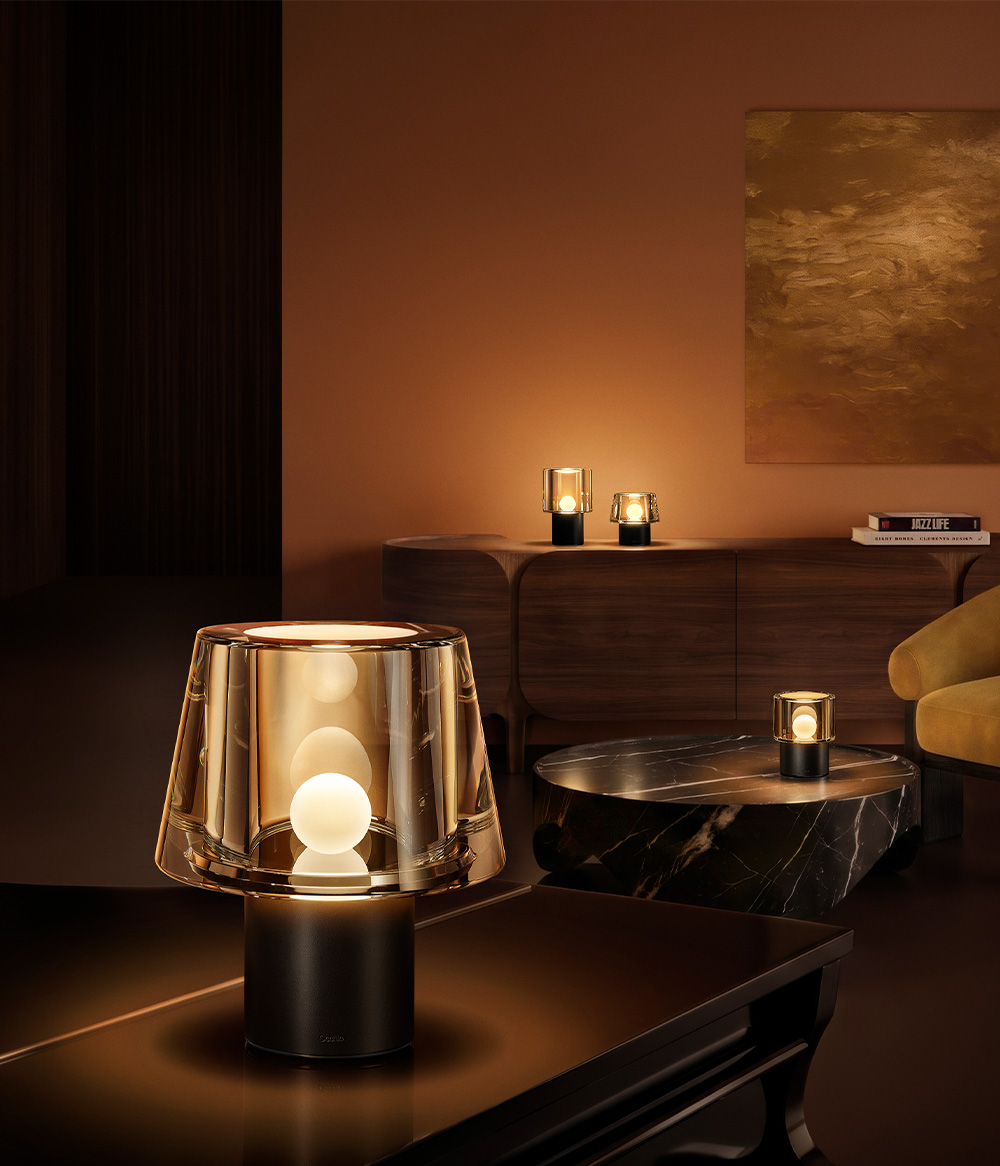
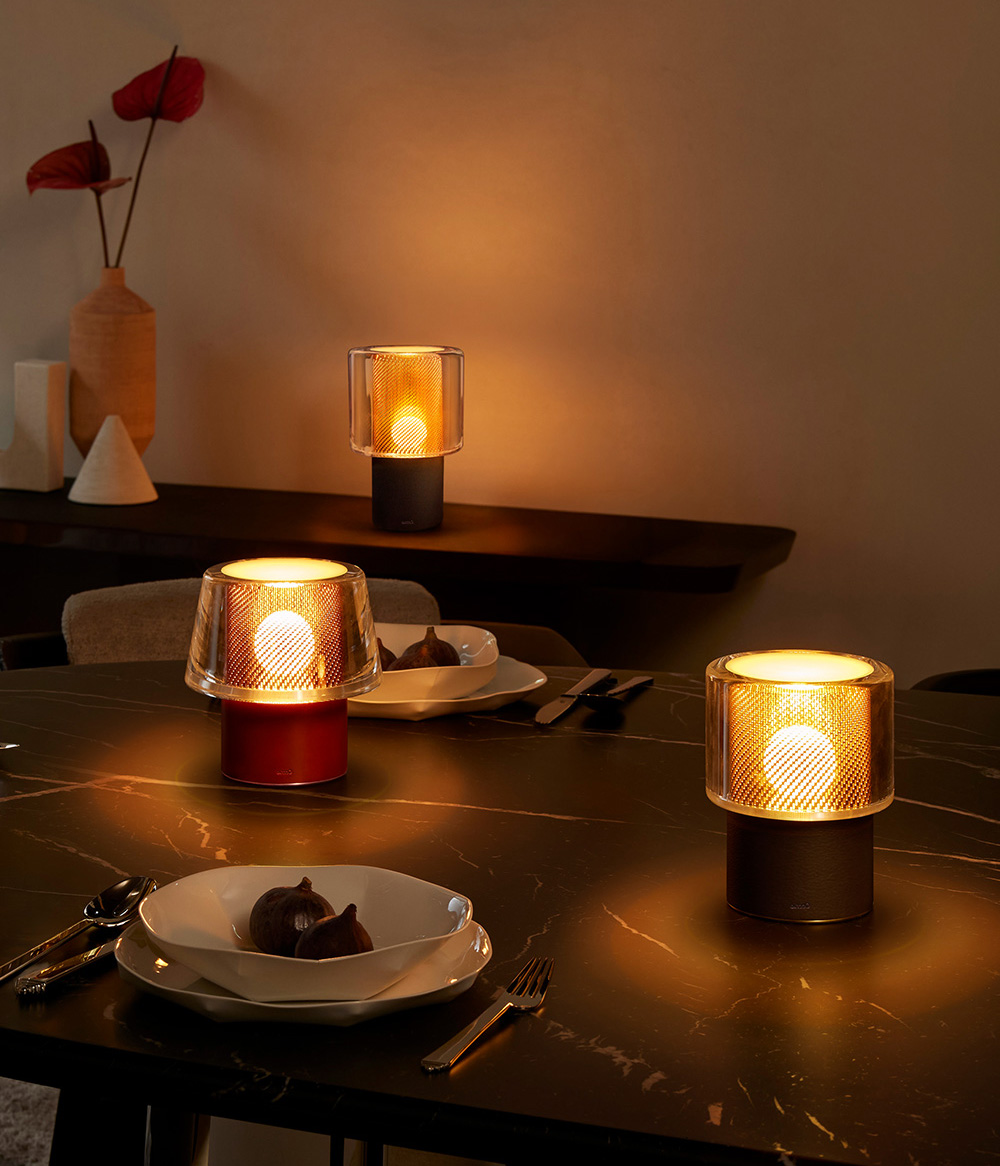
Occhio era and era lusso glass table luminaire metal mesh on dinner table

Instructions for the Era Series

Discover the magical power of Era & Era lusso: here you'll find all the details on how to use and operate your Occhio luminaire. Step by step, we'll show you how to get the most out of your cordless luminaire and its innovative features.

Control
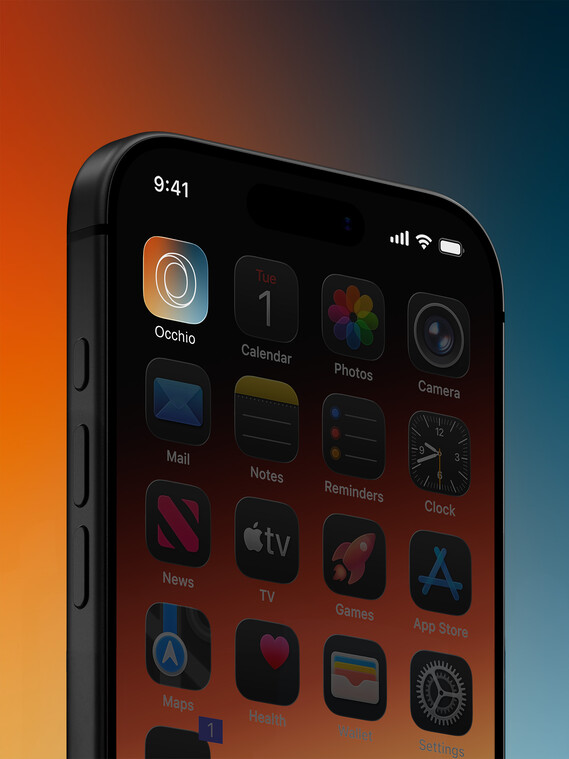
»touchless control«

Intuitive operation with »touchless control«: using gesture control, you can easily turn the luminaire on and off, dim it continuously and adjust its colour temperature for precise, touch-free lighting control.

With a quick gesture above the glass, you can turn the luminaire on or off. To dim the brightness, hold your hand anywhere above the glass. By placing both hands on opposite sides of the top surface, you can customise the light colour.

Cordless battery level

The built-in LED indicator light turns on automatically when the luminaire is raised.

Occhio Era Lusso Design Akkuleuchte Ladezustand

The battery level is between 100% and 50%.

The indicator light stays solid white.

The battery level is between 50% and 25%.

The indicator light flashes white at regular, long intervals.
Occhio Era Lusso Design Akkuleuchte Ladezustand

The battery level is between 25% and 10%.

The indicator light stays solid red.

The battery level is less than 10%.

The indicator light flashes red at regular, short intervals.

Battery level when charging with a cable
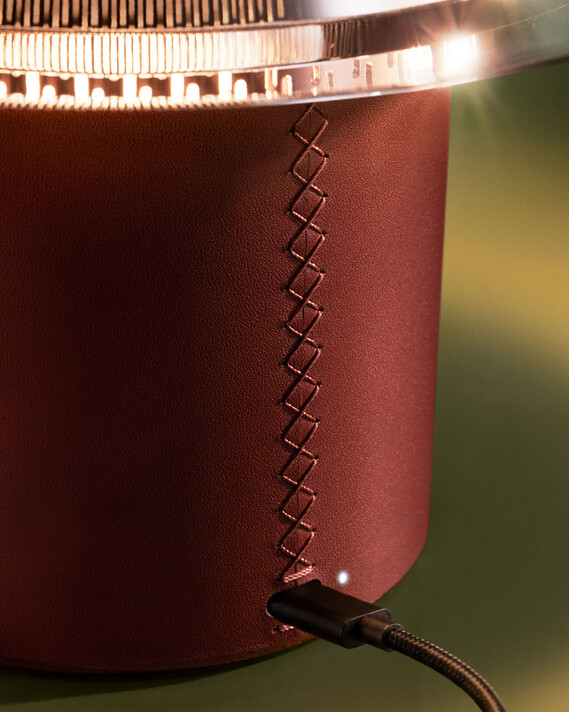
Occhio Era lusso Design cordless luminaire battery light glas seam detail

Fast charging from 80% to 100%

The luminaire is charged using a fast charger (20W or higher). The indicator light stays solid white. At 100%, it goes out.

Fast charging up to 80%

The luminaire is charged using a fast charger (20W or higher). The indicator light flashes white at regular, long intervals.
Occhio Era lusso Design cordless luminaire battery light glas seam detail

Slow charging from 80% to 100%

The luminaire is charged using a charger (20W or higher). The indicator light stays solid red. At 100%, it goes out.
Slow charging up to 80%

The luminaire is charged using a charger (20W or higher). The indicator light flashes red at regular, long intervals.

Error messages

The battery or the luminaire is too hot.

The indicator light flashes alternately red and white. Let the luminaire cool down.

Charging is not possible.

The indicator light flashes violet at regular, very short intervals. Use an alternative charger.

The battery is completely discharged.

The indicator light flashes red at regular, very short intervals. Charge the battery.

Safety information

Please follow the safety instructions to ensure safe and optimised use. For more information, please refer to our detailed guidelines on safe handling and installation.
Learn more